Digital Indoor Screens

Out-of-Home

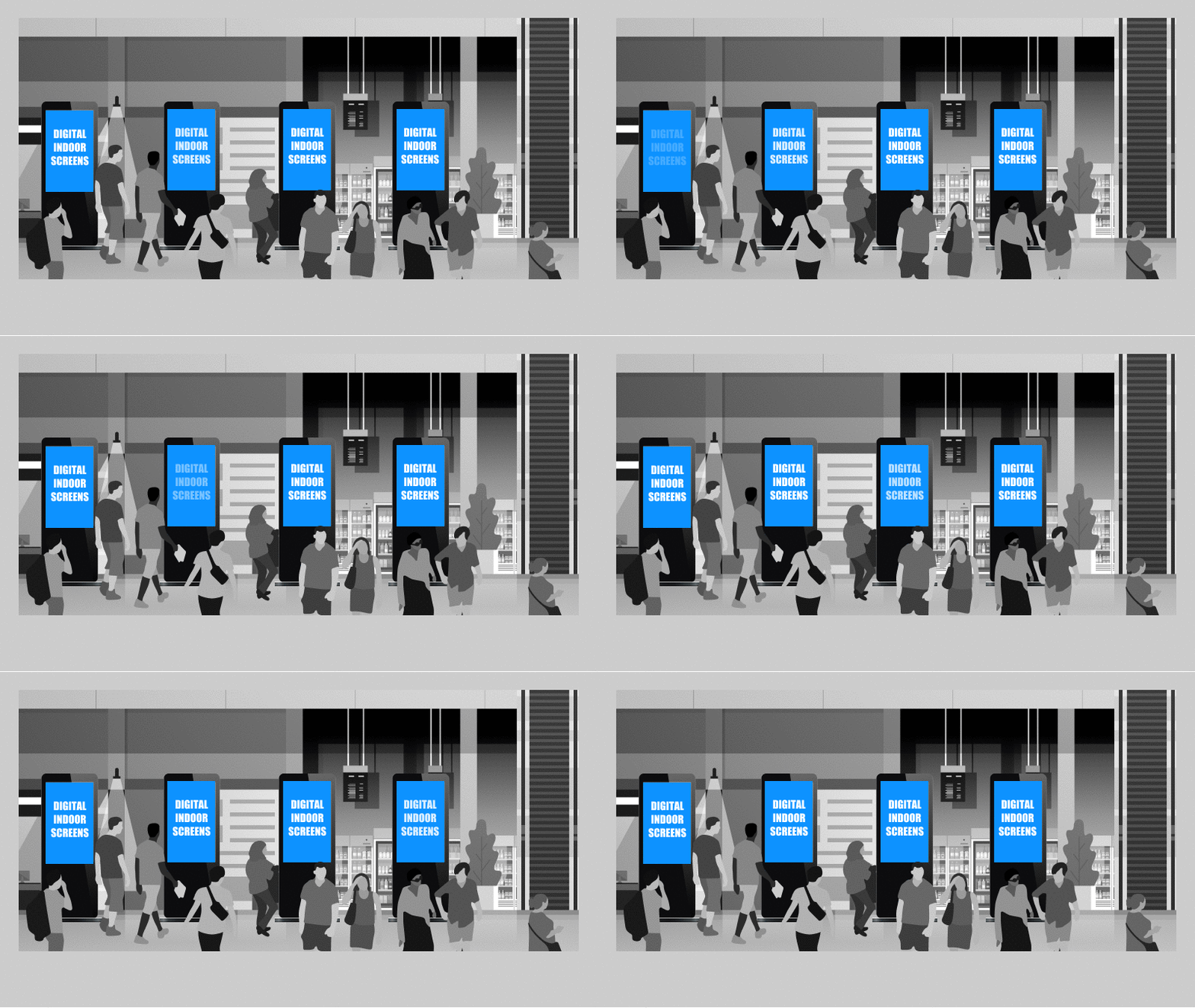
Our indoor digital screens make use of cutting-edge technology to target your brand’s audiences in high-traffic spaces. This makes it the ideal medium for interactive and gamification campaigns.

  • Greater brand retention through constant exposure
  • Reach a large number of people at once
  • Versatile and allows you to diversify advertising

Ad Type
Digital Screens

Ad Specifications

Last updated: April 2026

Asia Square Tower 1

Asia Square Tower 1 LED

Display Resolution (W x H)7680 x 1550 px
File RequirementsFormat: MP4 or JPEG
Visual: 25 FPS
Non audio enabled
File size: less than 200 MB
Number of Screens1
Cross Street Exchange

Atrium LED (part of Network Screens)

Display Resolution (W x H)Landscape : 1920 x 1080 px
File RequirementsFormat: MP4 or JPEG
Visual: 25 FPS
Audio not enabled / Non audio enabled
File size: less than 50 MB
Number of Screens1

Podium LED (part of Network Screens)

Display Resolution (W x H)Landscape : 1920 x 1080 px
File RequirementsFormat: MP4 or JPEG
Visual: 25 FPS
Audio not enabled / Non audio enabled
File size: less than 50 MB
Number of Screens1
HDB Hub

Indoor Digital Network

Display Resolution (W x H)1080 x 1920 px
File RequirementsFormat: MP4 or JPEG
Visual: 25 FPS
Audio enabled, peak at 0 DB
File size: less than 50 MB
Number of Screens4
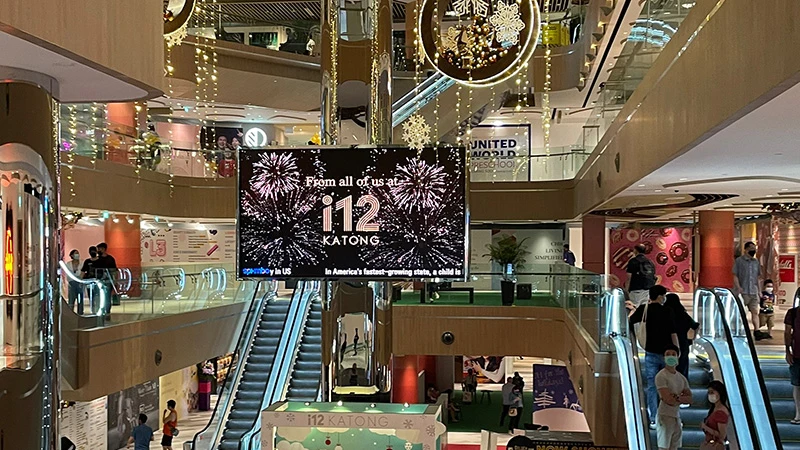
i12Katong

Atrium LED

Display Resolution (W x H)1920 x 1080 px
File RequirementsFormat: MP4 or JPEG
Visual: 25 FPS
Audio not enabled / Non audio enabled
File size: less than 50 MB
Number of Screens1
Paragon

Indoor Digital Network

Display Resolution (W x H)1080 x 1920 px
File RequirementsFormat: MP4 or JPEG
Visual: 25 FPS
Audio enabled, peak at 0 DB
File size: less than 50 MB
Number of Screens10
South Beach

Video wall @ B2 & B3

Display Resolution (W x H)1920 x 1080 px
File RequirementsFormat: MP4 or JPEG
Visual: 25 FPS
Non-audio enabled
File size: less than 50 MB
Number of Screens2

In-lift Screens

Display Resolution (W x H)1920 x 1080 px
File RequirementsFormat: MP4 or JPEG
Visual: 25 FPS
Non-audio enabled
File size: less than 50 MB
Number of Screens26
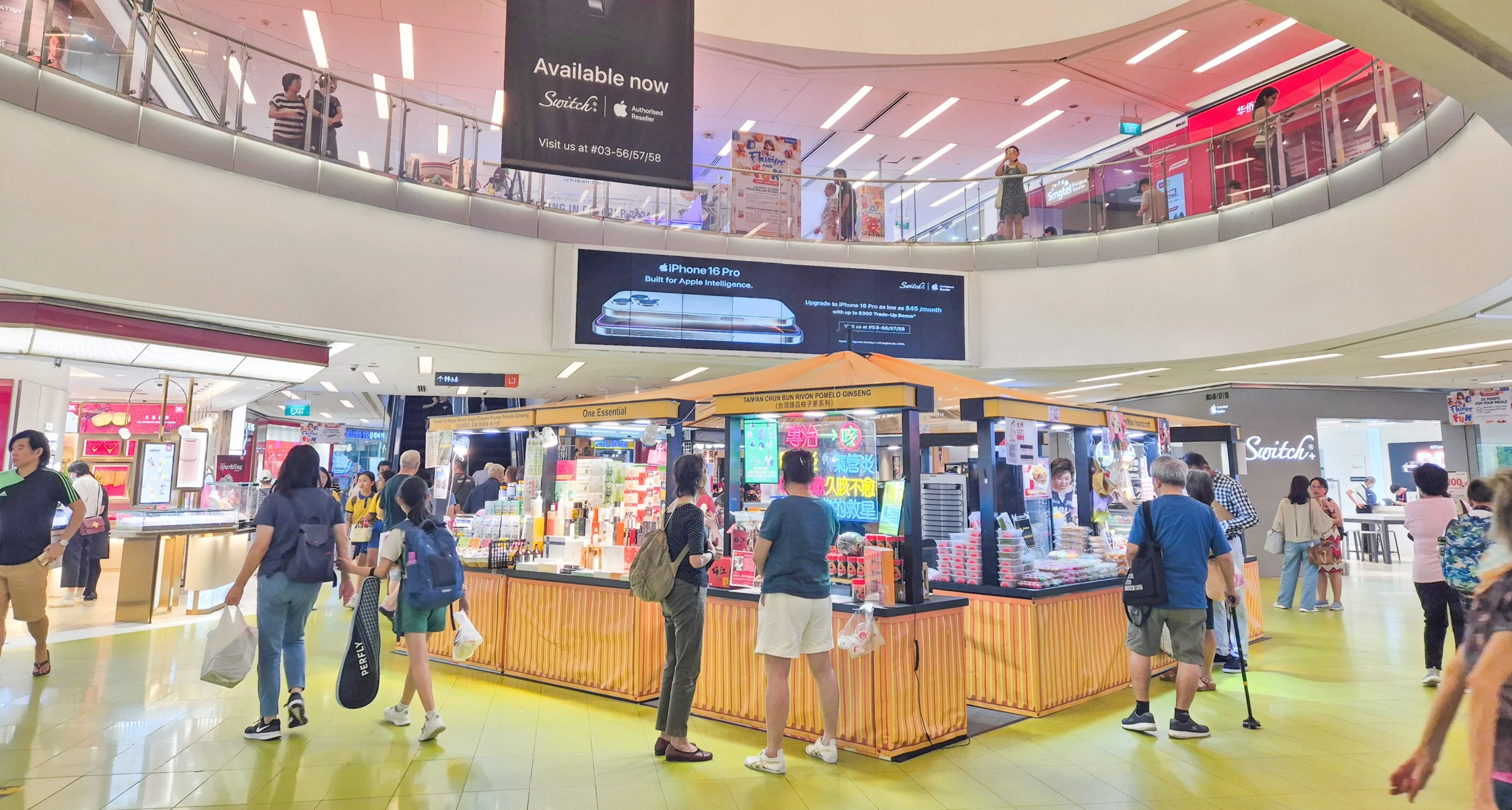
The Clementi Mall

Ultrawide Network

Display Resolution (W x H)4096 x 910 px
File RequirementsFormat: MP4 or JPEG
Visual: 25 FPS
Non audio enabled
File size: less than 50 MB
Number of Screens2

Digital Standee Network

Display Resolution (W x H)1080 x 1920 px
File RequirementsFormat: MP4 or JPEG
Visual: 25 FPS
Non audio enabled
File size: less than 50 MB
Number of Screens5
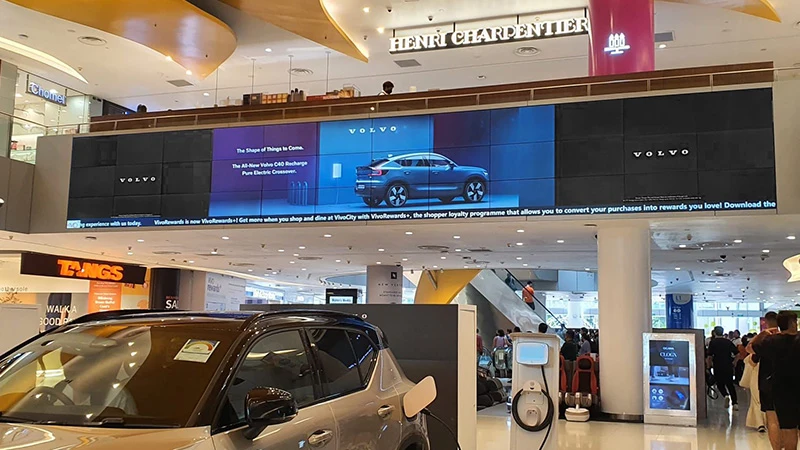
VivoCity

Megascreen

Display Resolution (W x H)7760 x 1080 px
File RequirementsFormat: MP4 or JPEG
Visual: 25 FPS
Audio enabled, peak at 0 DB
File size: less than 50 MB
Number of Screens1

Linkbridge Network

Display Resolution (W x H)3840 x 1080 px
File RequirementsFormat: MP4 or JPEG
Visual: 25 FPS
Non audio enabled
File size: less than 50 MB
Number of Screens3

Ultrawide @ B2

Display Resolution (W x H)7680 x 720 px
File RequirementsFormat: MP4 or JPEG
Visual: 25 FPS
Audio not enabled/Non audio enabled
File size: less than 50 MB
Number of Screens1

Submission Deadline

  • All final artworks must be submitted to SPHMBO two weeks before campaign commencement.
  • Minimum buy of 4 weeks (Additional 20% loading charges applies for less than minimum buy.)
  • T&C apply.

For more information: Advertising Terms and Conditions & Guidelines

Stay updated with the latest news and events with our monthly newsletter

Explore Further

Advertising Solutions
Connect your brand with the right audiences through our multichannel platforms. Leverage our advertising solutions to achieve your business goals.
Advertising Terms & Conditions
SPH Media Advertising Terms & Conditions and Guidelines are available for your reference. Please click to read more.
Ad Booking Portals
Book your classifieds, obituaries, acknowledgement and condolence ads with ease through SPH Media’s self-booking platforms.